Start With the Work
Choose an optical laser source around the work it must do. List the material, its thickness and the type of cut or weld. Note the size of the parts and the work volume. Share the range rather than one ideal job. This gives each team the same basis for a review.
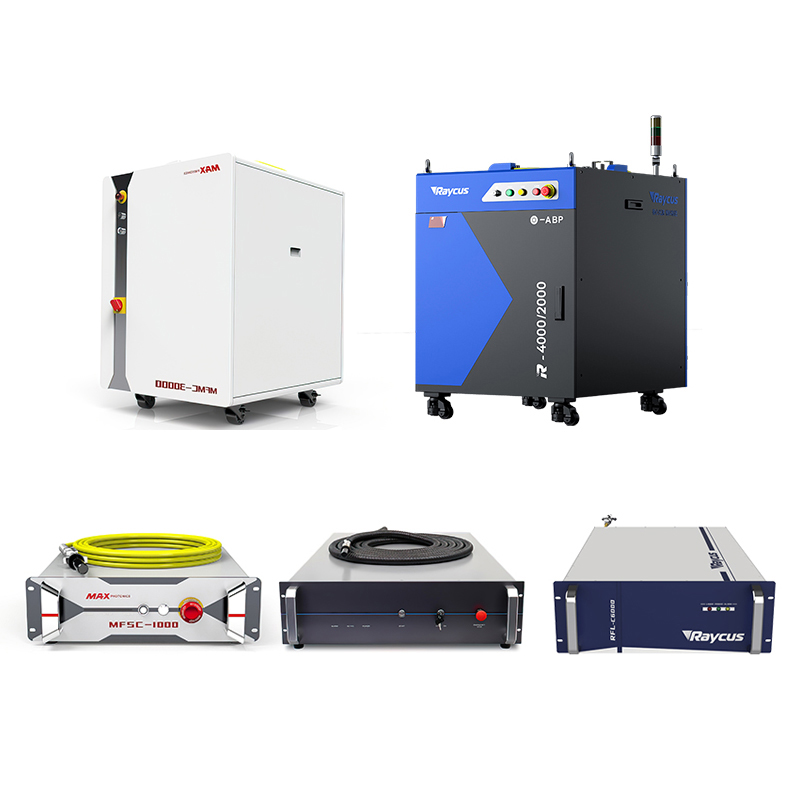
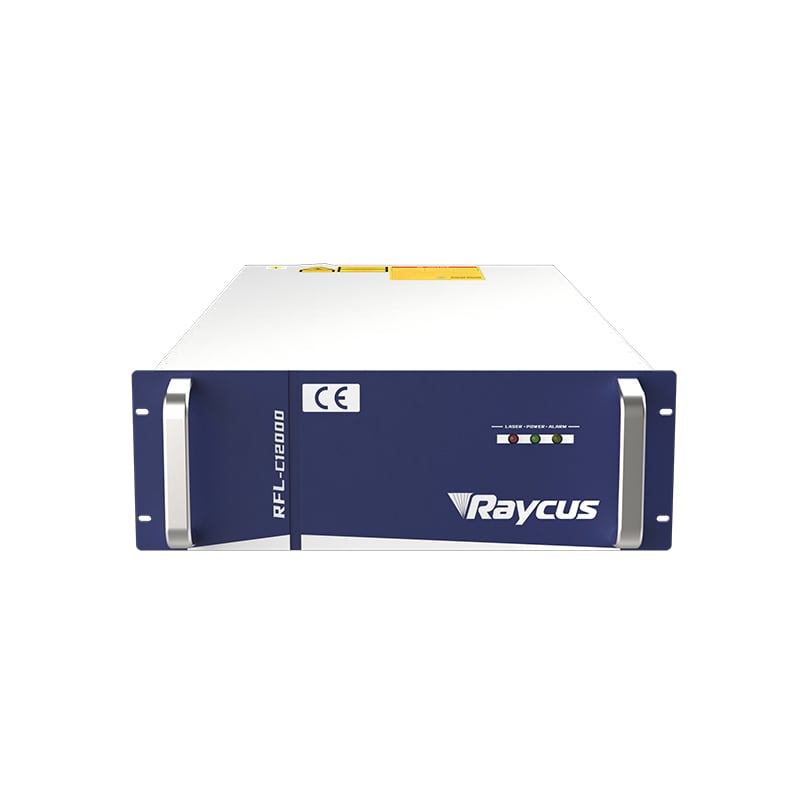
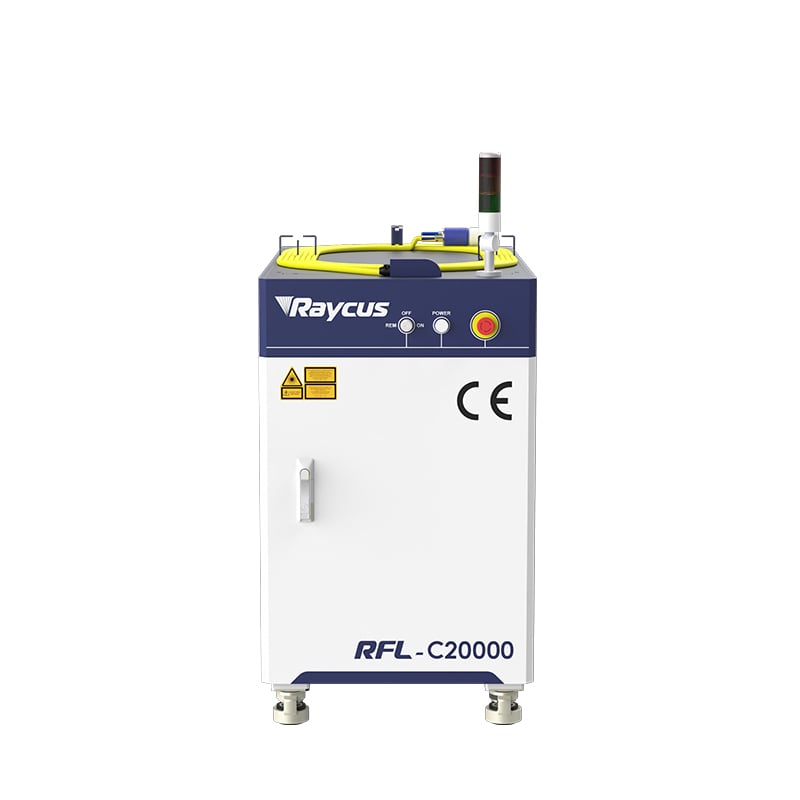
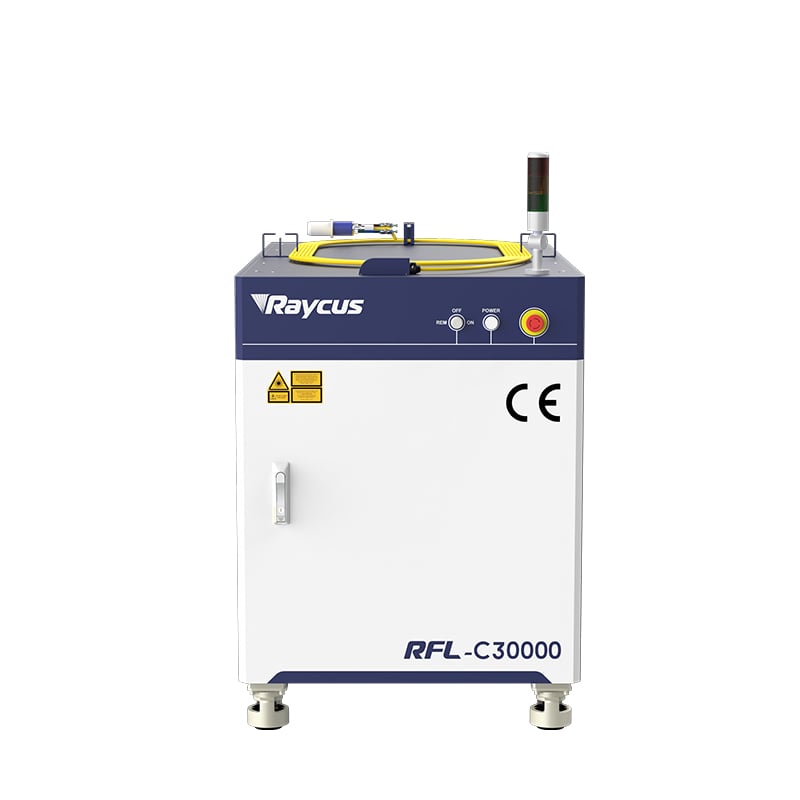
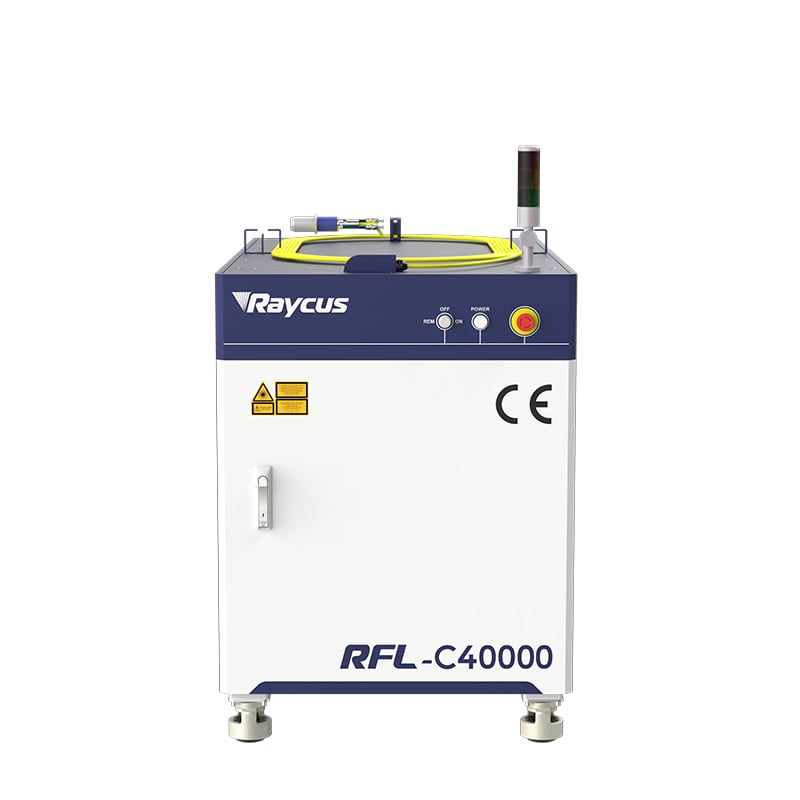
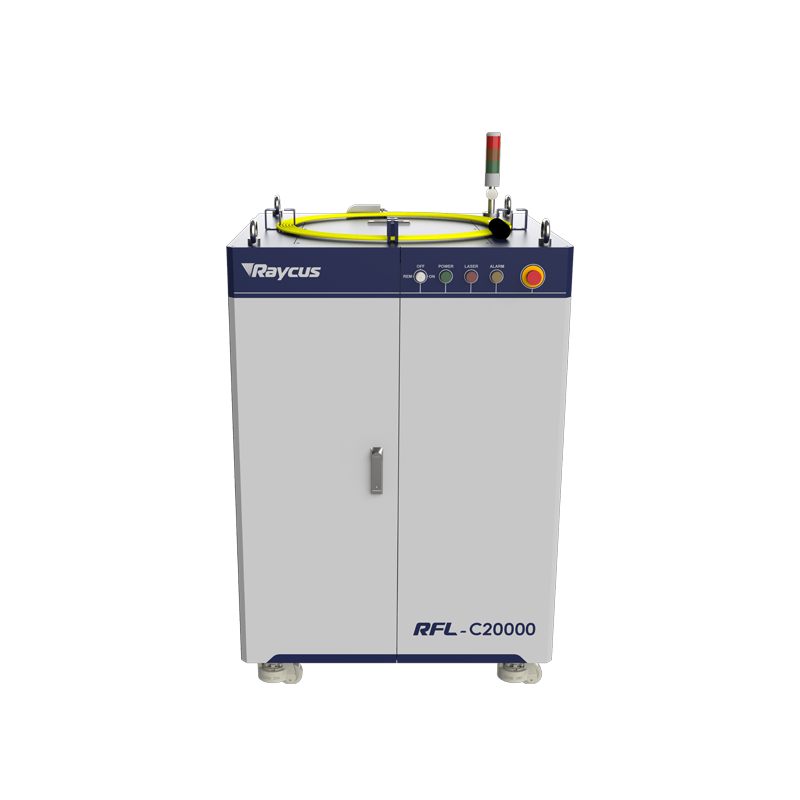
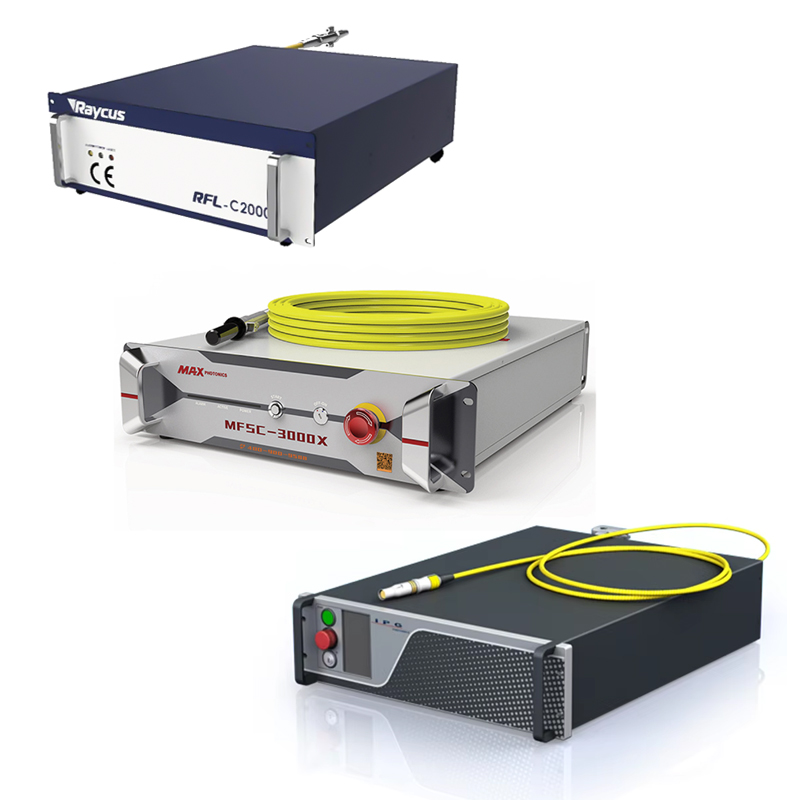
The optical laser source list includes Raycus CW fiber models at 12,000, 20,000, 30,000 and 40,000 watts. These are listed ratings, not proof that any one model will meet a given cut speed or finish. The optical laser source choice depends on the full machine and process. Ask the machine builder to assess the work and check the head as well as the optical laser source.
If a line must handle several jobs, rank the jobs by need. Separate a firm requirement from a possible future use. This helps the buyer avoid treating a broad power range as a final selection. Keep the job notes with the quote so the team can compare offers on the same basis.
Plan the Site and Installation
Before an optical laser source is installed, review the space and the path into the site. Check access for moving the unit and for later service. The 20,000 watt model lists water cooling and a three phase input of 323–436 V AC at 47–63 Hz. These optical laser source values apply to that model record. Have a qualified installer check the actual unit, site supply, cooling system and local rules.
Review the path for the output fiber from the source to the head. Allow for the machine's full range of movement and follow the maker's bend and handling limits. Do not size the route from a single photo. A sketch with real distances and moving parts gives the installer a more useful basis for review.
Optical laser source control signals and safety links must also work with the machine. The listed control modes vary by model. Ask the source and machine makers to confirm the signal scheme and safety chain. Do not plug in or alter a live system to test a guess. Work should follow the maker's instructions and site lockout rules.
Inspect and Plan Service
Set a service plan for the optical laser source and the equipment around it. Use the optical laser source manual and the machine maker's service schedule as the starting point. Keep a log of alarms, coolant checks and planned work. Note when a change occurs and what the machine was doing. A clear log gives a service team context without assuming the source caused a fault.
Keep the work area clean and check for visible damage only as the relevant manual permits. High power laser systems can cause serious injury. Shut down and isolate the system before any work, and leave internal checks to trained staff. Never look into an optical outlet or open a protective enclosure while the beam may be active.
If the line stops, record the optical laser source alarm and contact the maker or a qualified service team. Avoid replacing an optical laser source based only on a symptom. The fault may involve the source, the head, cooling or controls. A review of the full system can help define the next safe step.
Prepare for Replacement
For a replacement optical laser source, collect the machine and current source model numbers. Note the optical laser source head, control system and available site utilities. If the source label is unclear, ask the maker for the build record. A generic rating or a photo is not enough to confirm a swap.
Tell the optical laser source supplier whether the goal is a like for like swap or a change in output. List any limits on space, access and downtime. Ask which parts are included and which work remains with the site team. For laser cutting machine parts for hans, identify the exact machine model rather than assuming that a source fits by brand. A nitrogen generator for fiber laser is a separate gas supply choice; its fit depends on the cutting process and site demand, not on source power alone.
Keep the old and proposed optical laser source data sheets side by side. Mark any open points for the machine maker, buyer and installer. The result is an optical laser source review path, not a promise of direct compatibility. Confirm each item in writing before the order and before work starts.